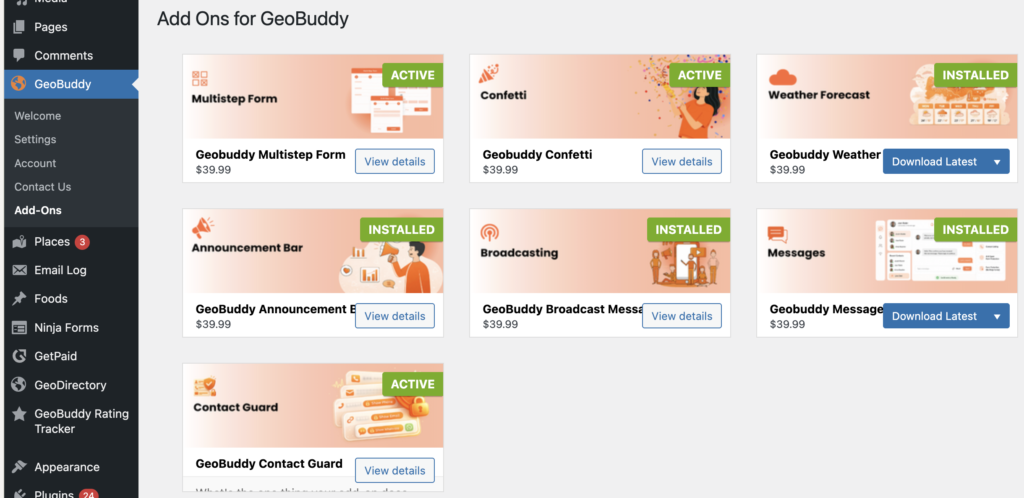

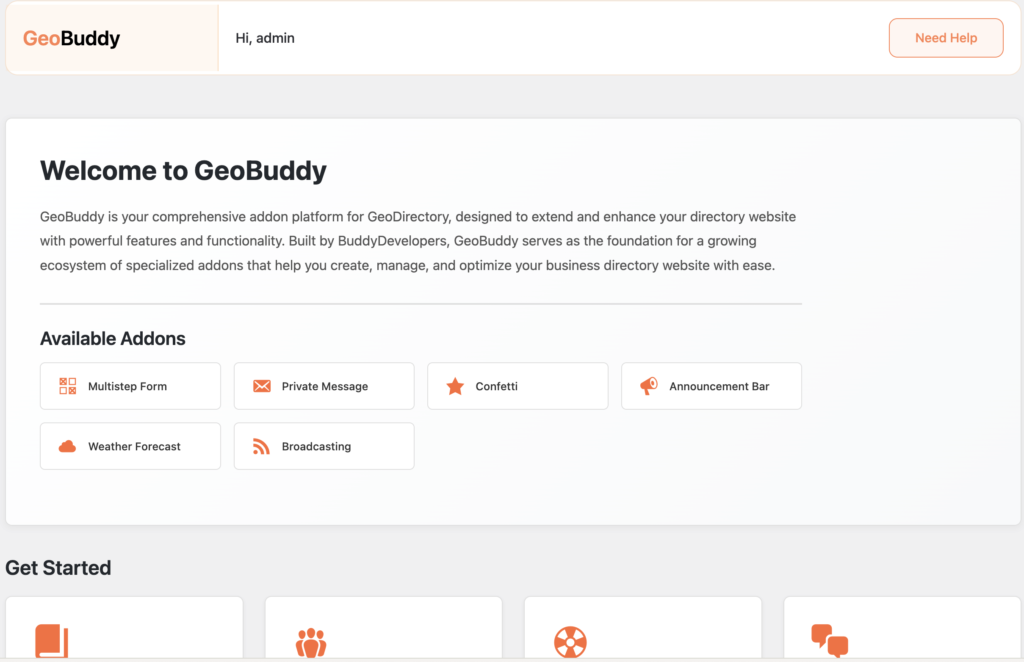
GeoBuddy extends GeoDirectory with three core features built into the plugin — social media fields for listings, virtual tour integration, and a one-click site template importer. These features are available to all users at no cost.
Social media fields for listings #
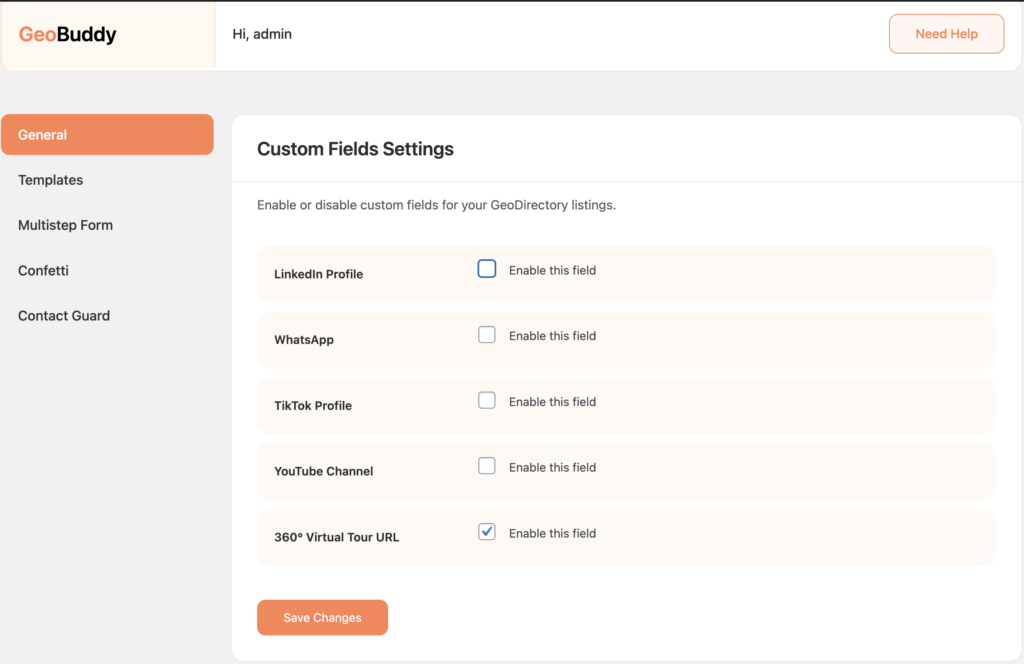
GeoBuddy adds social media profile link fields directly inside GeoDirectory listings. Listing owners can provide links to their YouTube, LinkedIn, WhatsApp, and TikTok profiles — allowing visitors to connect with businesses instantly and improving listing credibility.
Each field can be enabled or disabled individually in GeoBuddy → Settings → Custom Fields. Only enable the fields relevant to your directory’s audience.
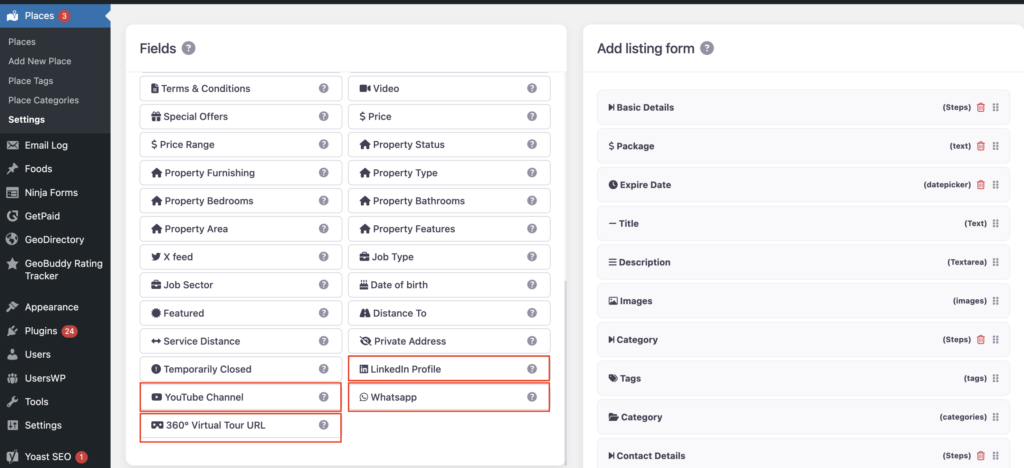
Once the field is enabled, it will be visible in Geodirectory → Settings → Custom Fields, and you can use it like other Geodirectory custom fields.
To display the data, you can use the GD > Post Meta block/shortcode.
Virtual tour integration #
GeoBuddy lets listing owners embed a 360° virtual tour URL directly into their listing. This is ideal for businesses where showing the physical space builds trust with potential customers — such as restaurants, hotels, real estate properties, gyms, and clinics.
The virtual tour field is enabled from GeoBuddy → Settings → Custom Fields alongside the social media fields.
Site templates — one-click demo importer #
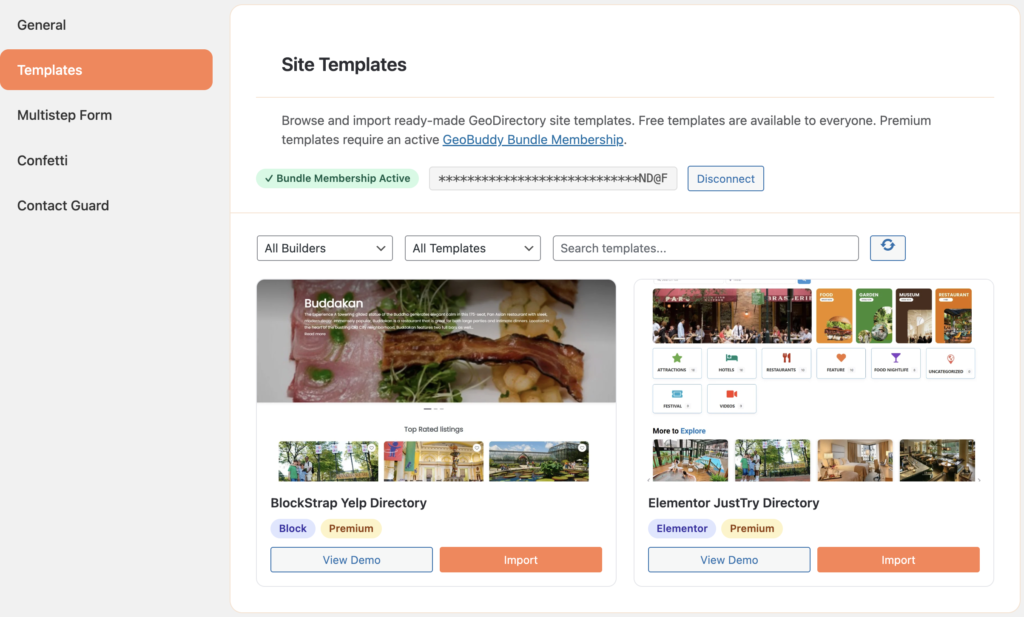
GeoBuddy includes a built-in Site Templates tab inside the Settings panel. It lets you browse and import fully functional, ready-made GeoDirectory demo sites in just a few clicks — including the theme, plugins, pages, GeoDirectory data, and navigation menus.
Free templates are available to all users. Premium templates require an active GeoBuddy Bundle Membership license.
Addon platform #
Beyond the core features, GeoBuddy acts as a foundation platform for additional free and premium add-ons. These addons extend your directory with features like multi-step listing forms, weather forecasts, private messaging, confetti animations, announcement bars, and broadcasting.